
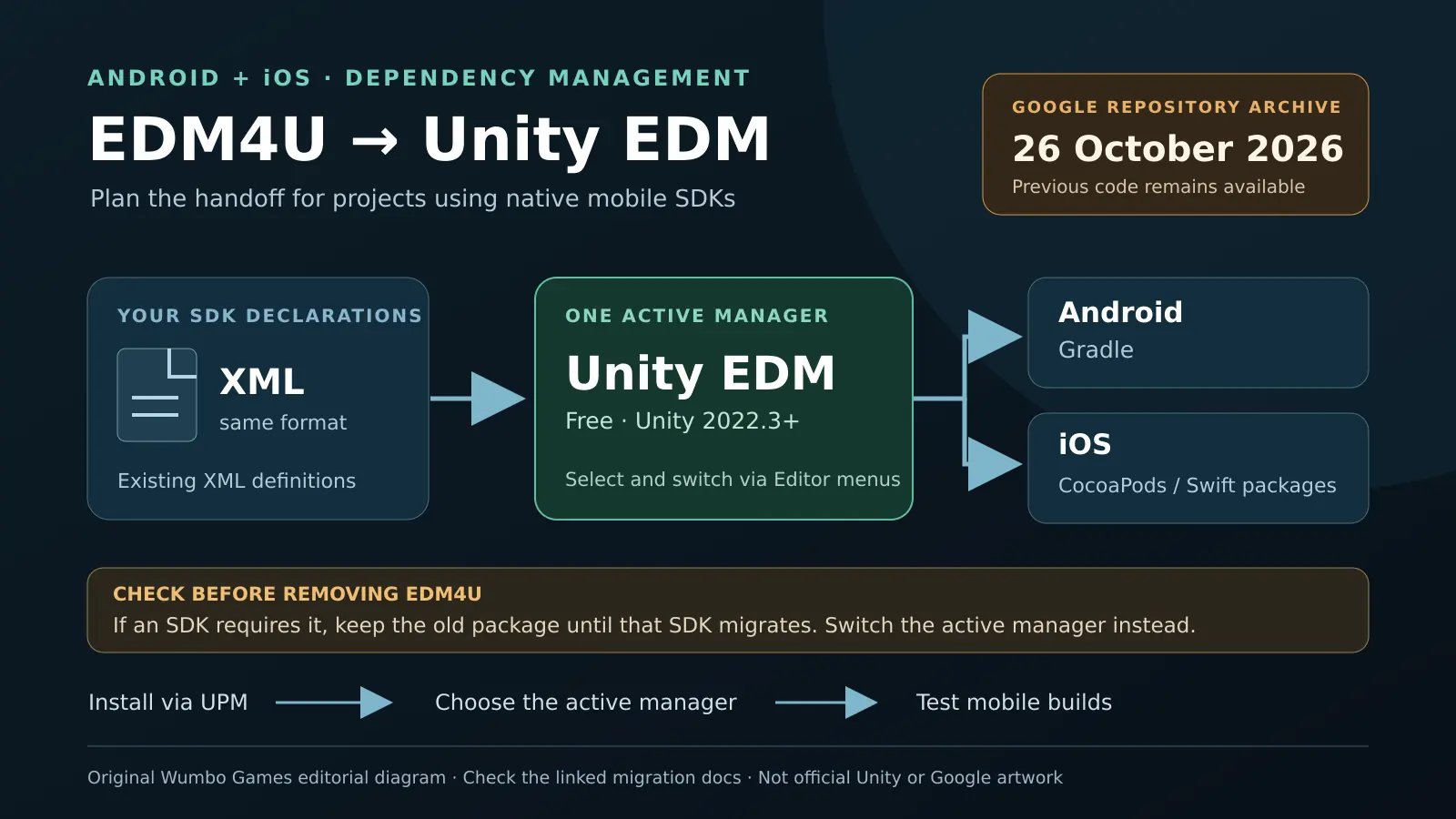
Updated 27 October 2026: Google's External Dependency Manager for Unity (EDM4U) repository was archived on 26 October 2026 and is now read-only. This replaces our earlier report of a planned archive. Previous code and releases remain accessible, but Google's notice says there will be no further updates, fixes or feature development. No exact archive time was published.
Unity announced its officially maintained replacement, External Dependency Manager (EDM), on 29 September. For indie mobile teams using advertising, analytics or other SDKs with native Android and iOS dependencies, this is a useful point to review the build pipeline.
Keep the XML, choose the manager
Unity EDM is free and supports Unity 2022.3 and later. It uses the existing XML dependency format and works with Android Gradle plus iOS CocoaPods and Swift Package Manager. Install it through the Unity Registry in Package Manager, then choose which external dependency manager is active. The Editor menus allow switching back while evaluating the replacement.
Check how EDM4U entered the project before removing it. If another UPM package requires it, Unity’s documentation says to retain the old manager until that package migrates: uninstalling it can also uninstall the dependent SDK.
Test the project’s actual mobile exports
XML compatibility does not preserve every legacy feature. Unity’s engineering FAQ says its package omits the old Package Manager resolver, pre-Gradle resolution, ABI stripping and manifest-variable processing; VersionHandler is deprecated.
Our recommendation is to evaluate the change in a project copy or branch, resolve dependencies, and build the Android and iOS targets the game actually ships. Check SDK initialization and services on devices before accepting the migration. Wumbo Games has not independently tested the package or a migrated build.
Original sources
- Google — EDM4U repository archive notice
- Unity — External Dependency Manager announcement, September 29
- Unity EDM 2.1 — installation and dependency-manager migration guide
- Unity engineering — EDM migration FAQ and legacy feature differences
Release plans and availability can change. Check the original source for the latest information.